Give your agent real brushes
No more rerolls and hoping for the best: if one leaf looks off, you fix that leaf.
No image model inside
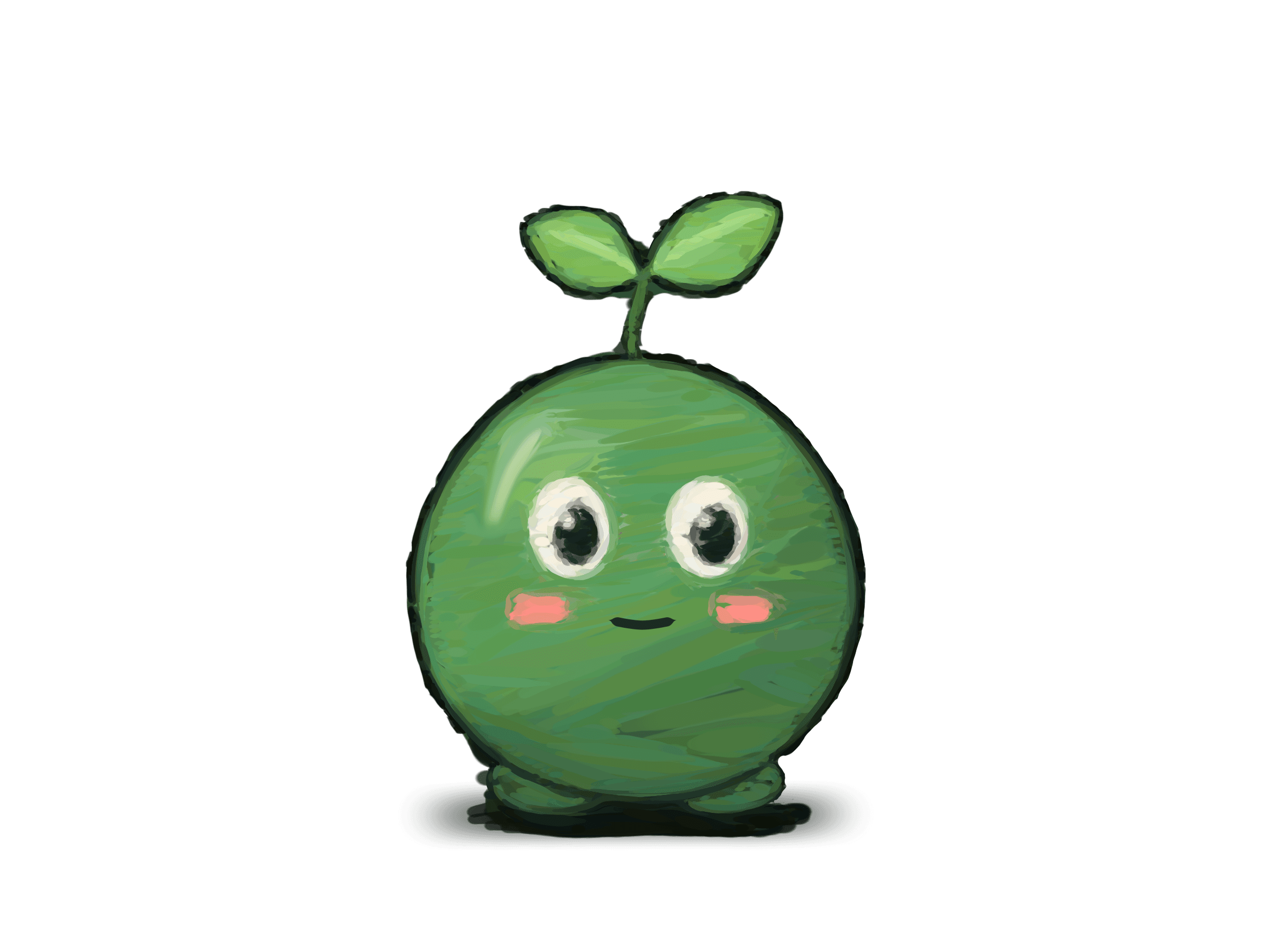
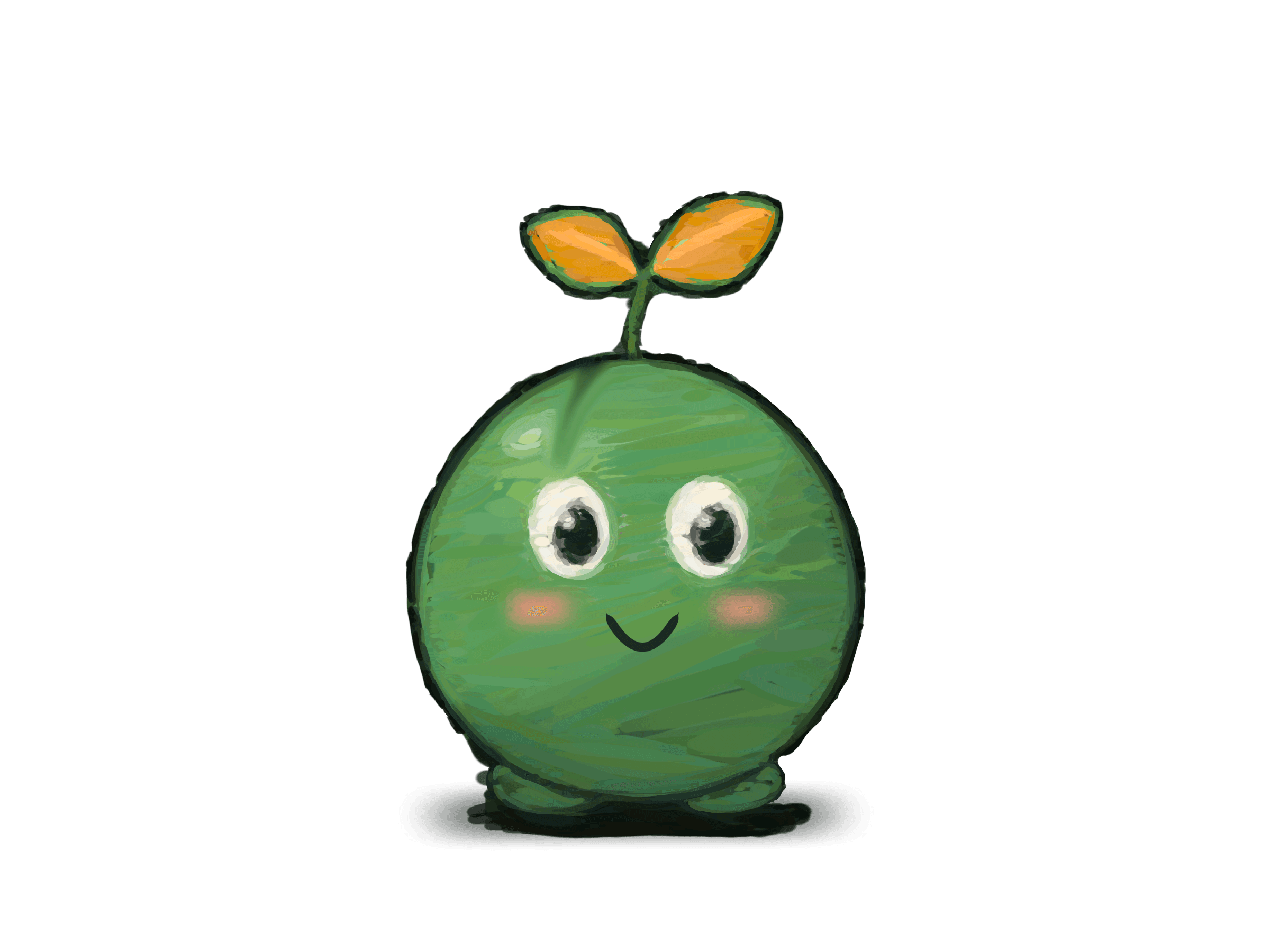
Drawings made with Claude Fable 5.2
It's paint, not just vectors
A stroke in klad keeps its path and pressure like a vector does, and still lands as paint. Loaded oil leaves ridges that catch the light, and smudge drags the paint that's already on the layer, the way a finger or a palette knife would.
And the smudge stays a stroke. Pick it up hours later and move it, and klad blends it again where it lands, from the paint that's there now. The spot it left looks as if it was never smudged.
- Smudge
- Wet round
- Blender
- Loaded oil
- Round bristle
- Dry brush
It can also do just vectors
Ready for any illustration: posters, covers, book pages and cards take the same brushes, shapes and type. This poster for a padel club night that doesn't exist was made in klad by an agent: big type, a night scene built from flat shapes, gradients, glows and print grain, and every word real text you can still retype, in any font you want.
$ klad export poster.klad --scale 2 -o padel-nights.png

A full painting and animation app
Read the guidesBrushes, layers, a timeline, bones and an export to Godot: you can make a whole animated character in klad by hand. On a Mac the pen's pressure and tilt shape every stroke, Windows gets pressure, and Linux the mouse for now.
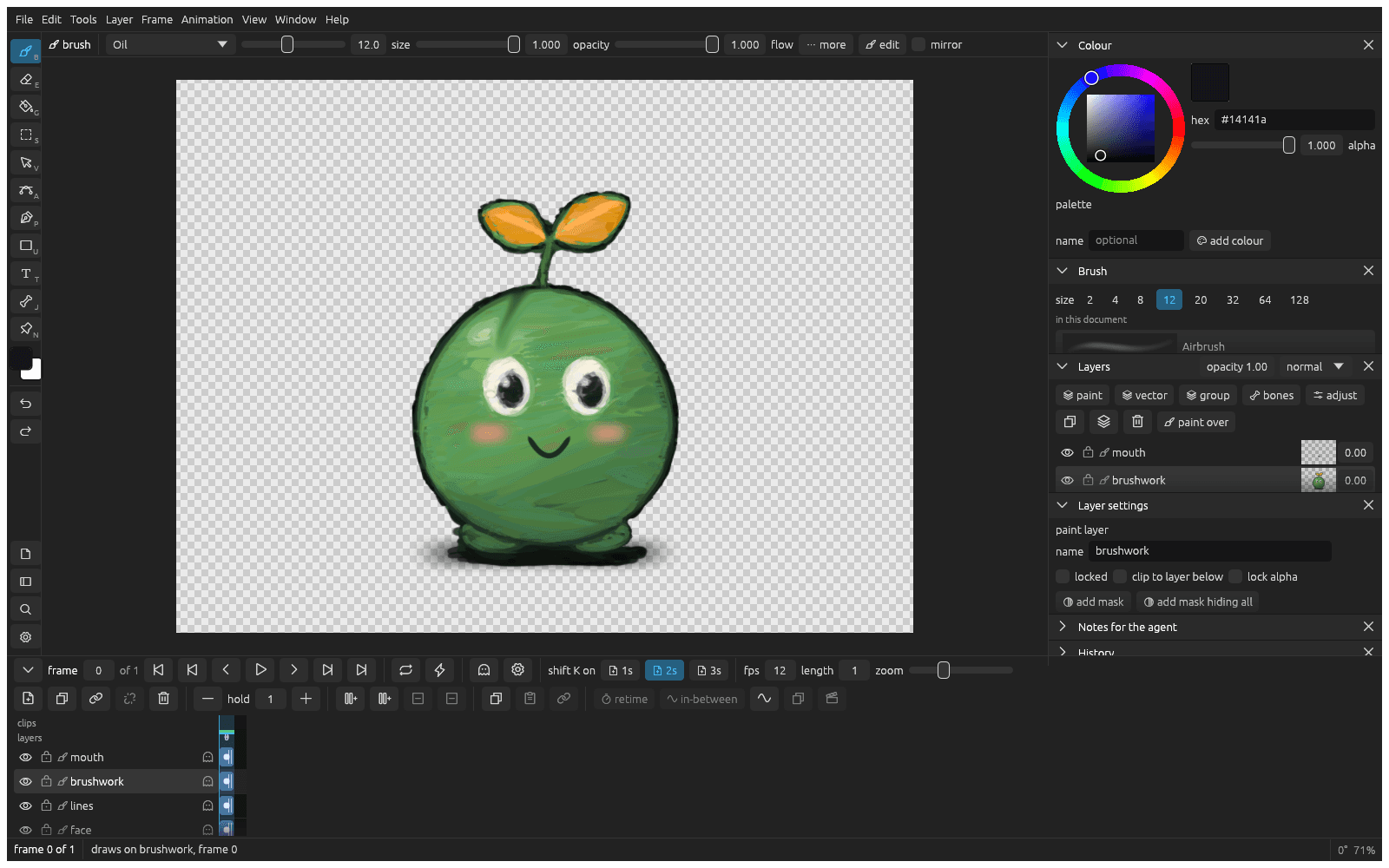
Changed your mind four hours in?
An image generator hands you pixels, and the only edit left is another roll of the dice. klad keeps every stroke and every fill as data: where it went, how hard it was pressed, its brush and its colour. Pick any of them, yours or an agent's, and change it. Point at the creature below, painted by an agent stroke by stroke, to see what klad knows about each one.
Working with your agent
An agent in klad paints through its command line with the same brushes you use, and every stroke it leaves is an ordinary stroke, marked as its own, that you can undo or repaint. klad needs no account. Which agent you use, Claude Code, Codex or anything else that runs in a terminal, and where it runs, is up to you.
- 1
Ask
Tell your agent what the drawing needs, in plain words: a lantern for the inn, lit from the left, on its own layer.
- 2
Watch
It paints through the klad command line, and its strokes show up in your editor about a second later.
- 3
Point
Pin a note on the canvas or select the part you mean ("more moss on this side"). The agent reads both.
- 4
Take over
Repaint whatever you like by hand, the agent's strokes as much as your own. The drawing is one file, so its next pass starts from your version.
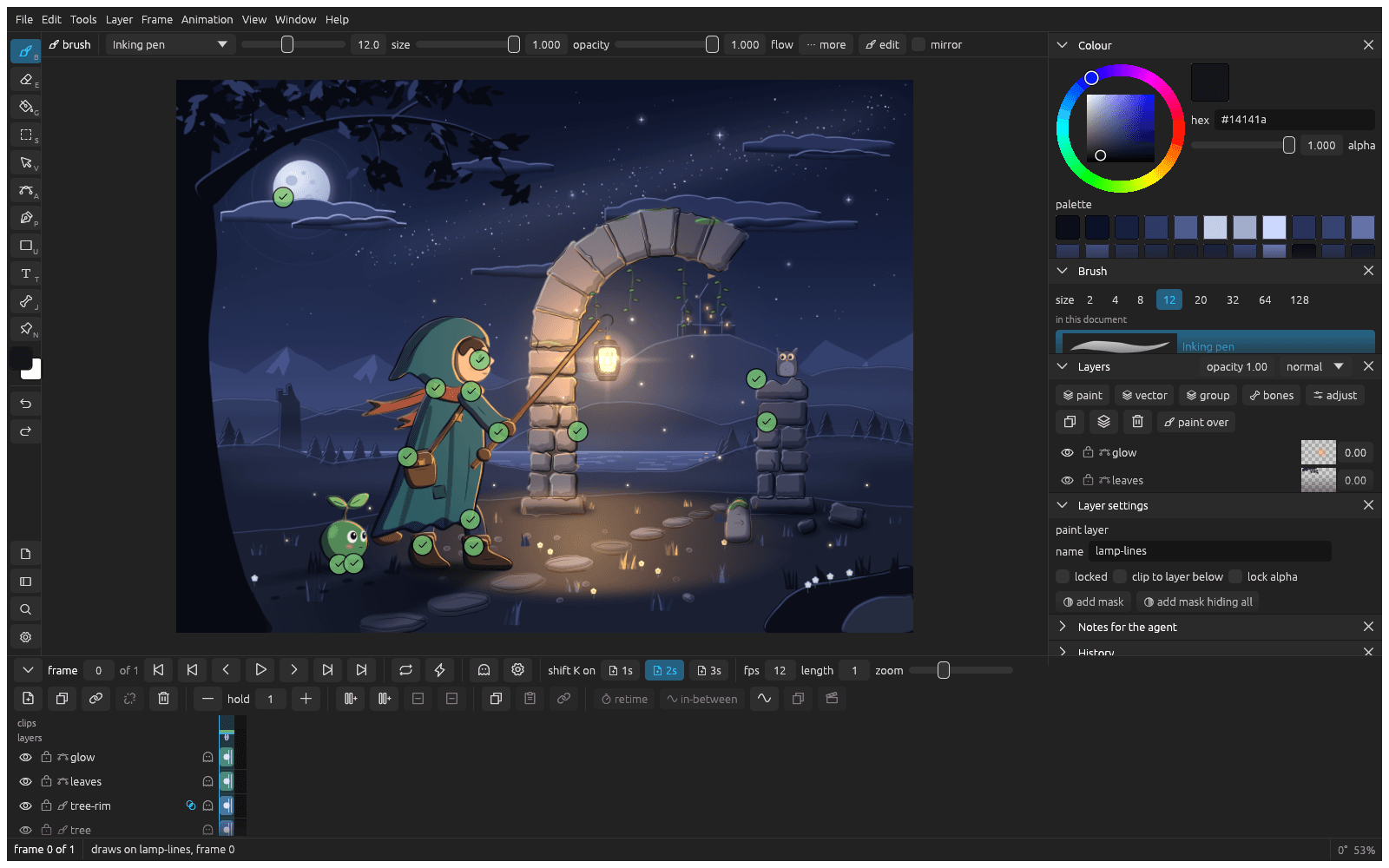
Paste this to your agent
Run klad skill and read what it prints. Then make scene.klad and paint a night scene: a hooded traveller holding a lantern out to a ruined arch, a small creature following, flat shaded and lit by the lantern.
For developers: the drawing is data
Everything you can do in the editor has a klad command too, so a script or an agent works on the same drawing you have open. It reads strokes as JSON, changes any of them by its address and applies batches of edits as JSON ops. The file format is documented down to the byte under the MIT licence, so app and engine developers can read and write klad drawings in their own tools, with or without klad.
Paint
B and a pen with pressure, 23 brushes, a brush editor
klad stroke art.klad l4 --brush oil --path 'M100 400 C 300 200 500 600 700 400'
Change a stroke later
S to pick it, then recolour, thinner, thicker or move; A bends its path
klad set art.klad c4:s12 size=3.5 color=#3355aa
Read what is there
Point at it with S
klad strokes art.klad l4 --json
Flat colour
G, filling against the lines layer
klad fill art.klad l2 --at 820,640 --ref lines --gap 4 --color skin
Fill again after the lines change
Refill this drawing
klad refill art.klad l2
Point at something
N pins a note, S selects
klad notes art.klad, klad selection art.klad
Draw the next frame
shift K, with onion skin on
klad cel art.klad new l3 --frame 4
In-betweens
The in-between window
klad inbetween art.klad --layers lines,colour --from 0 --to 6
Pose with bones
J: draw, weights, pose, IK limbs
klad bone, klad weights, klad pose, klad ik
Export
cmd E, or export to Godot from a clip
klad export art.klad --godot ../game/art
Undo
cmd Z, or the History pane
klad undo art.klad
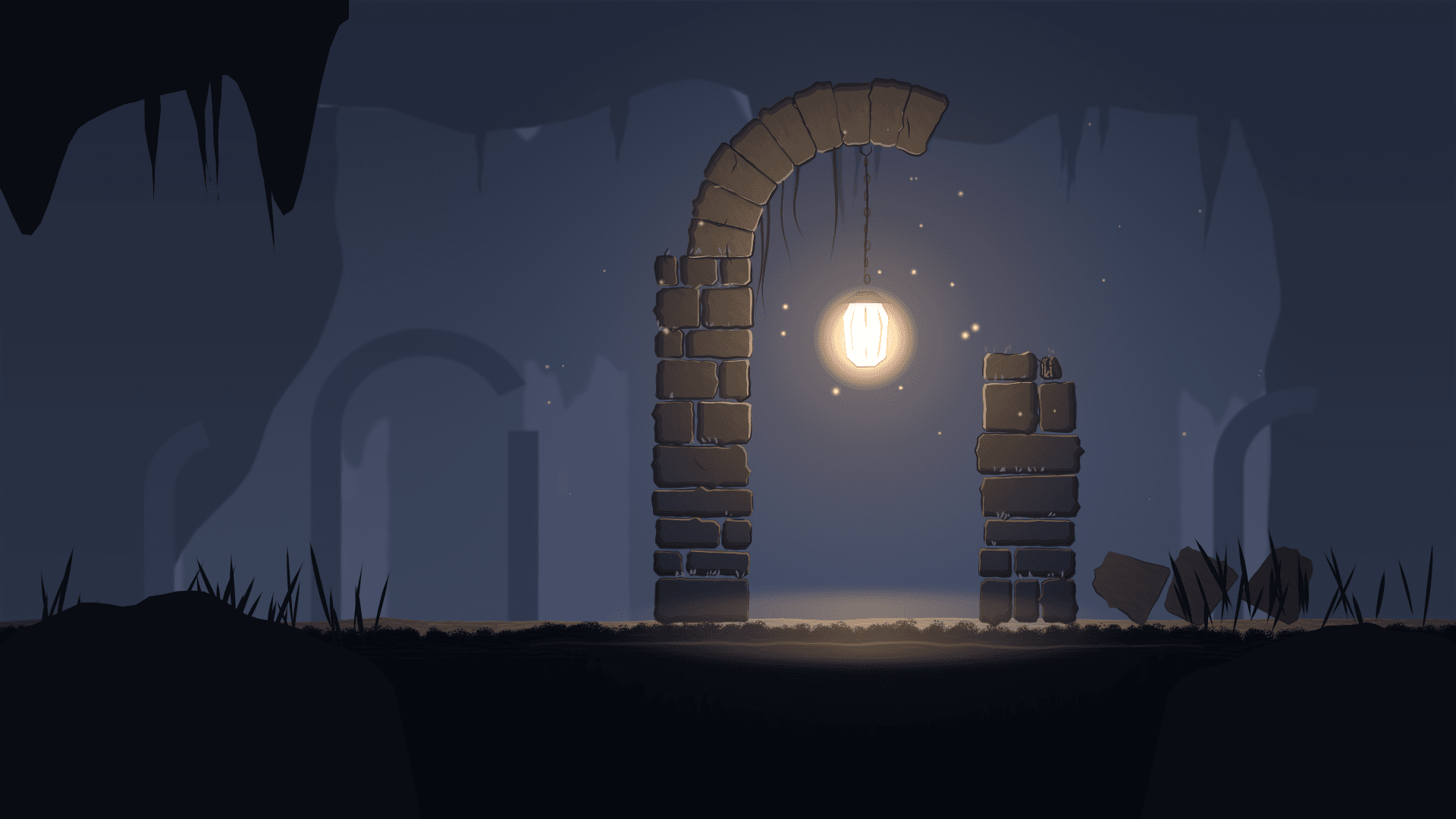
Made for games
Props, characters and backgrounds like this ruin, lit by one lantern. Animate them frame by frame with onion skins or rig them with bones, and they land in Godot as sprite frames, rigs and scenes with each clip's timing.
$ klad export creature.klad --godot ../game/art

Walk, on twos 
Idle, on threes 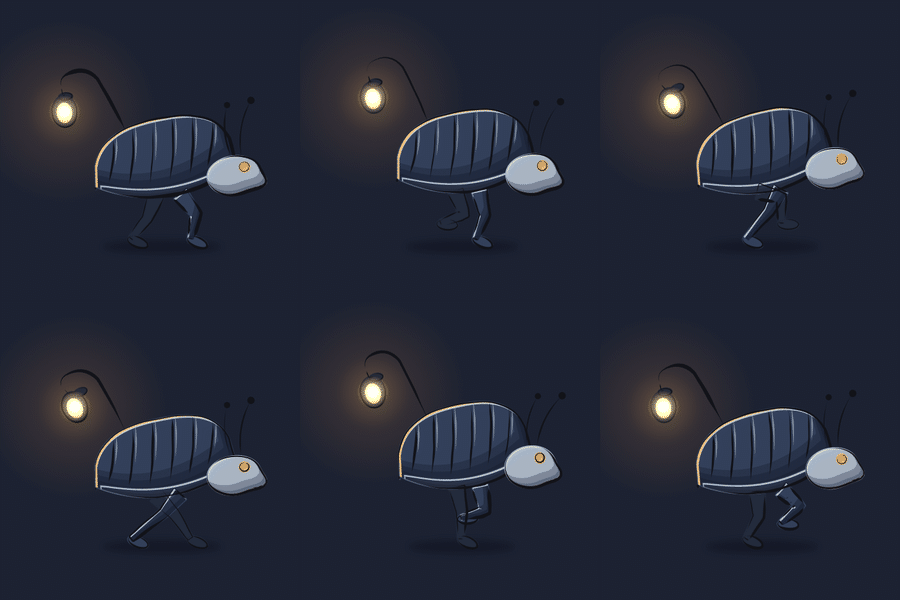
Run, 12 fps 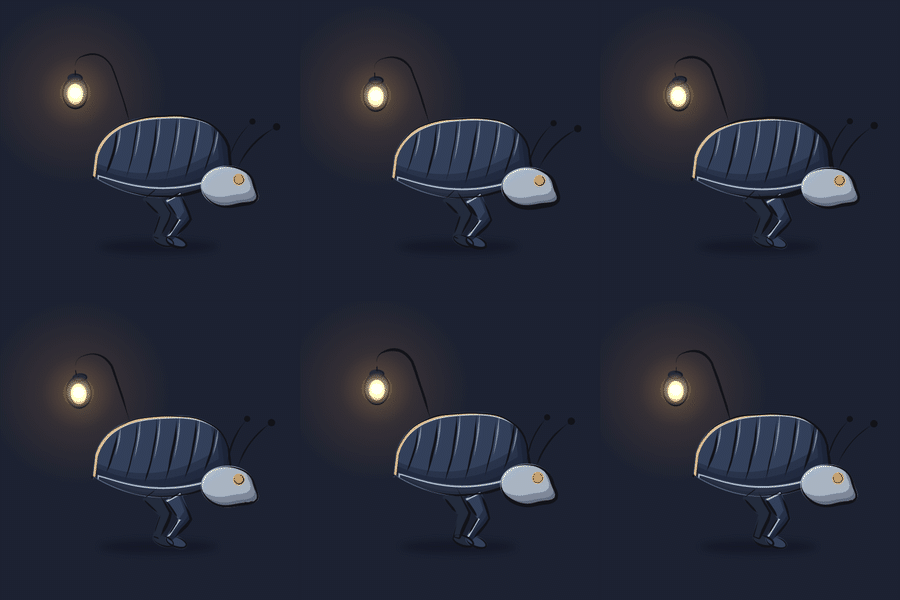
Idle, 12 fps
Your drawings stay yours
A drawing is a folder of plain files on your computer. Nothing you draw leaves it through klad: klad only looks for a new version once a day, and you can turn that off.
Read the file formatGet klad
klad is free to build from source today, for yourself and for companies under 100,000 euros a year, much like Aseprite. Rather install it with a double click? Join the list for the builds.